

Home Shooting Range Holiday Kit: Laser Cartridge, Phone Tripod & 9 Targets






Good for you if
Not for you if


How it works
Get the app: iDryfire: Shoot House on the App Store (iPhone, iPad) · iDryfire: Shooting House on Google Play (Android).
For best results: a matte background on a well-lit painted wall. Avoid shiny things behind the target and direct light on the target or the camera.
iPhone and iPad with the iDryfire: Shoot House app (iOS 13 or later), and Android phones with iDryfire: Shooting House.
Put the phone 3–7 yards from the paper target, pointed at it.
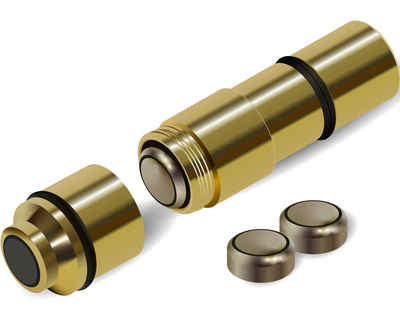
3 × LR626 / AG4, included.
Semi-automatic pistols, bolt-action rifles and revolvers, in the 10 calibers listed. Always start with an empty firearm.
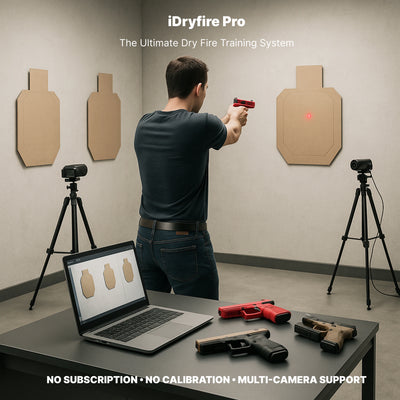
Extra holiday targets come as their own pack. Want the same training with cameras and a laptop instead of a phone? See iDryfire Pro and iDryfire Classic.


